Would you like to print your route and take it with you on paper? On this page, you'll discover how to customize the layout of your print. We explain step by step which options you have to adjust the print size, map style, and content to your preferences.
Printing routes is available with a RouteYou Plus subscription.
Basic Options
This option allows you to choose the size of your print.
- You can print in A4 or smaller formats.
-
Sizes A0 to A3 (Poster formats) can be selected. The map is optimized for high resolution, so you can print it in excellent quality on A0 or smaller formats (such as A1 or A2).
Printing in poster formats is available with a RouteYou Premium subscription. Don’t have a Premium account? You can also purchase the poster print separately.
Depending on the shape and orientation of your route, it may be better to print in landscape or portrait mode.
There are two options here:
- Image (PNG)
Advanced Options
Under the "More options" link, you'll find a range of additional features.
The level of detail can only be set in the roadbook.
This option determines the scale of your map. The higher the level of detail, the larger the map scale and the more map tiles will be shown.
Note (!) there is also a minimum zoom level. The scale can be reduced to a maximum where one side of the map segment equals 1 km. For short routes, there may be little to no difference between the levels.
This feature is only available in the roadbook.
This feature determines how many map tiles are shown per page. You can choose between one, two, four, six, or eight segments per page. By default, this is set to six segments per page.
This option is only shown if a topographic map is available for the route's location.
- The base map is based on OpenStreetMap
- If the route is in BEL, NLD, or FR, you can also select the topographic map as a background
Styles are available with a RouteYou Premium subscription. If you don’t have a Premium account or higher, you can also purchase a custom print individually.
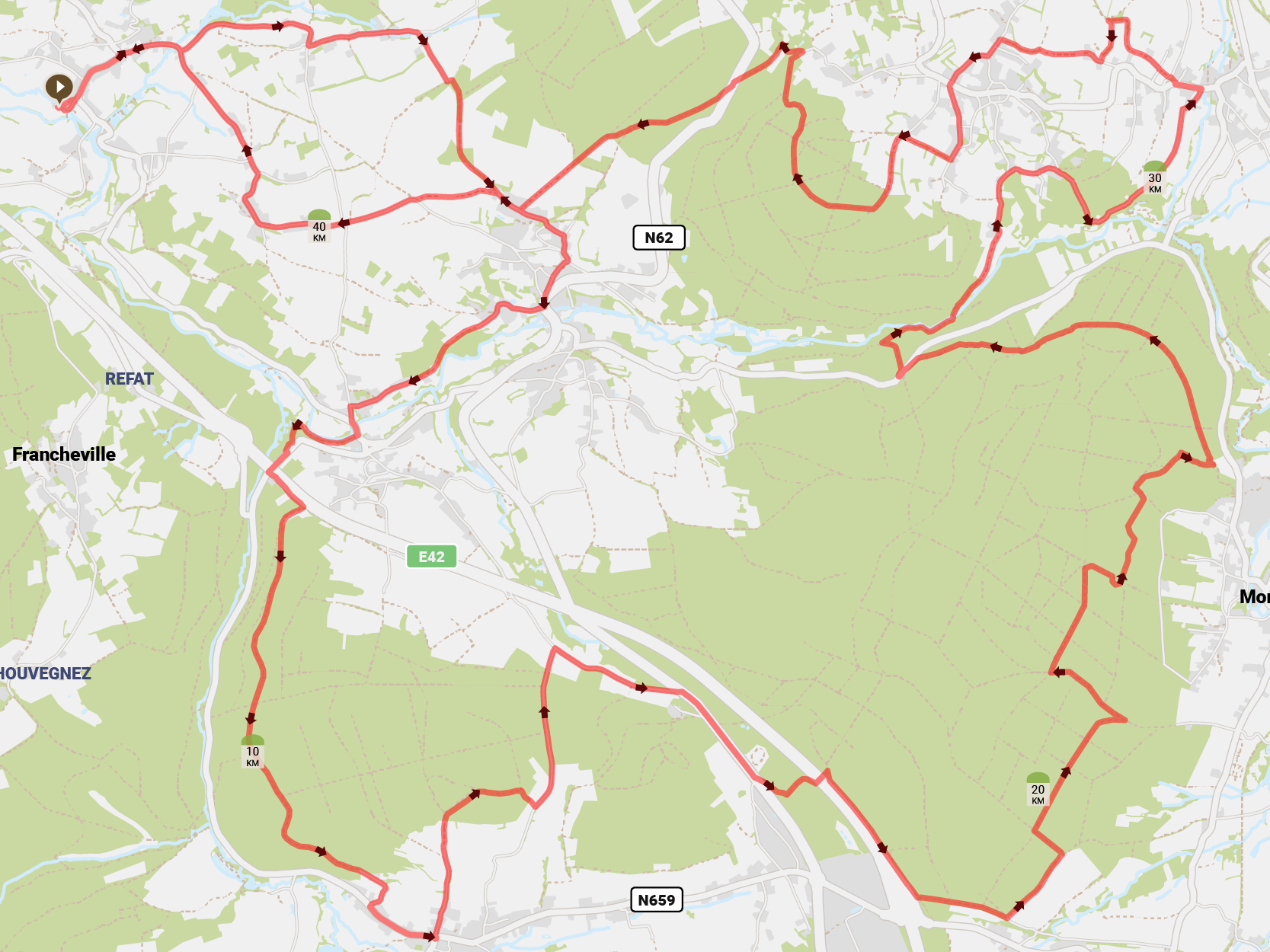
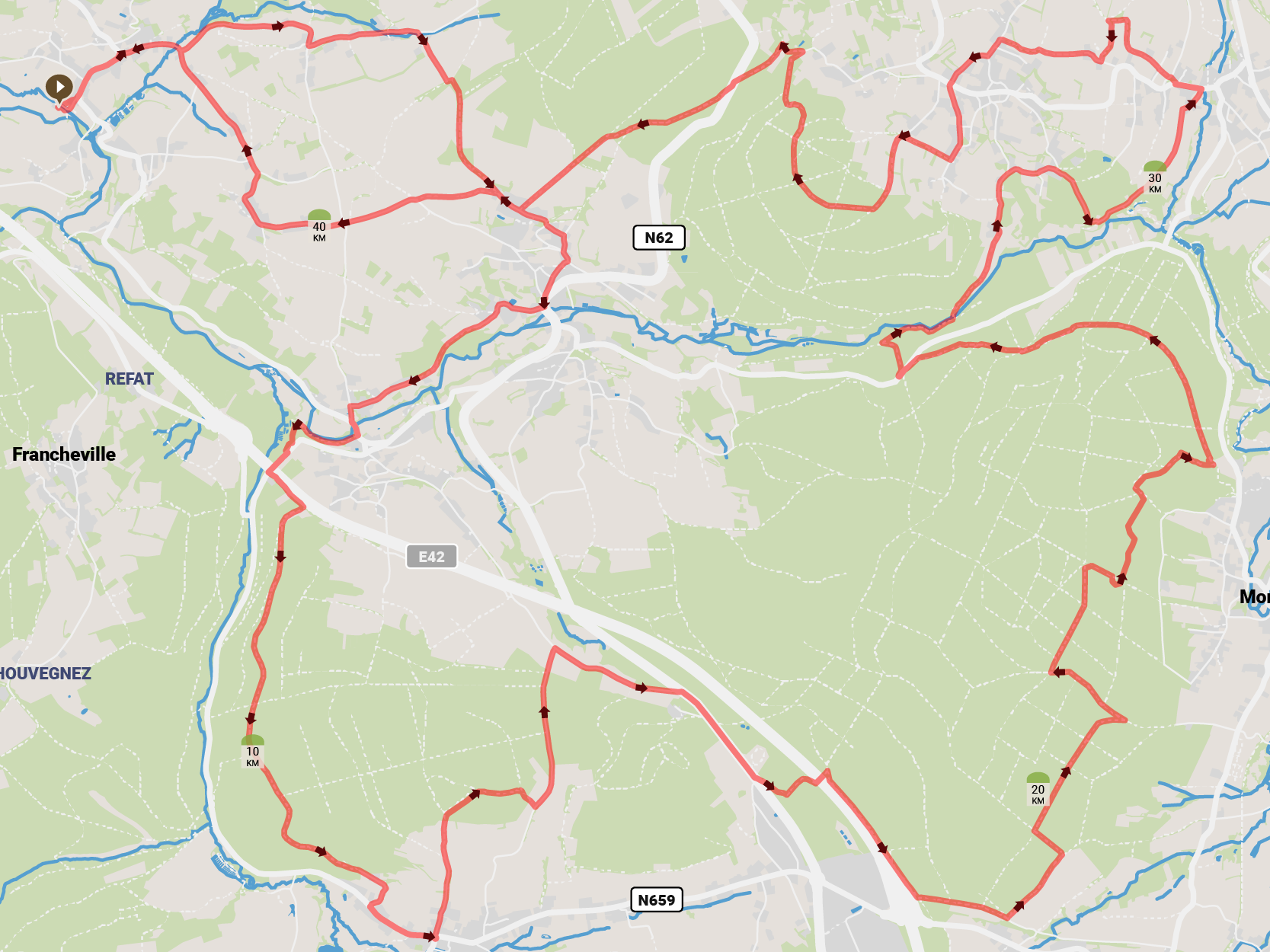
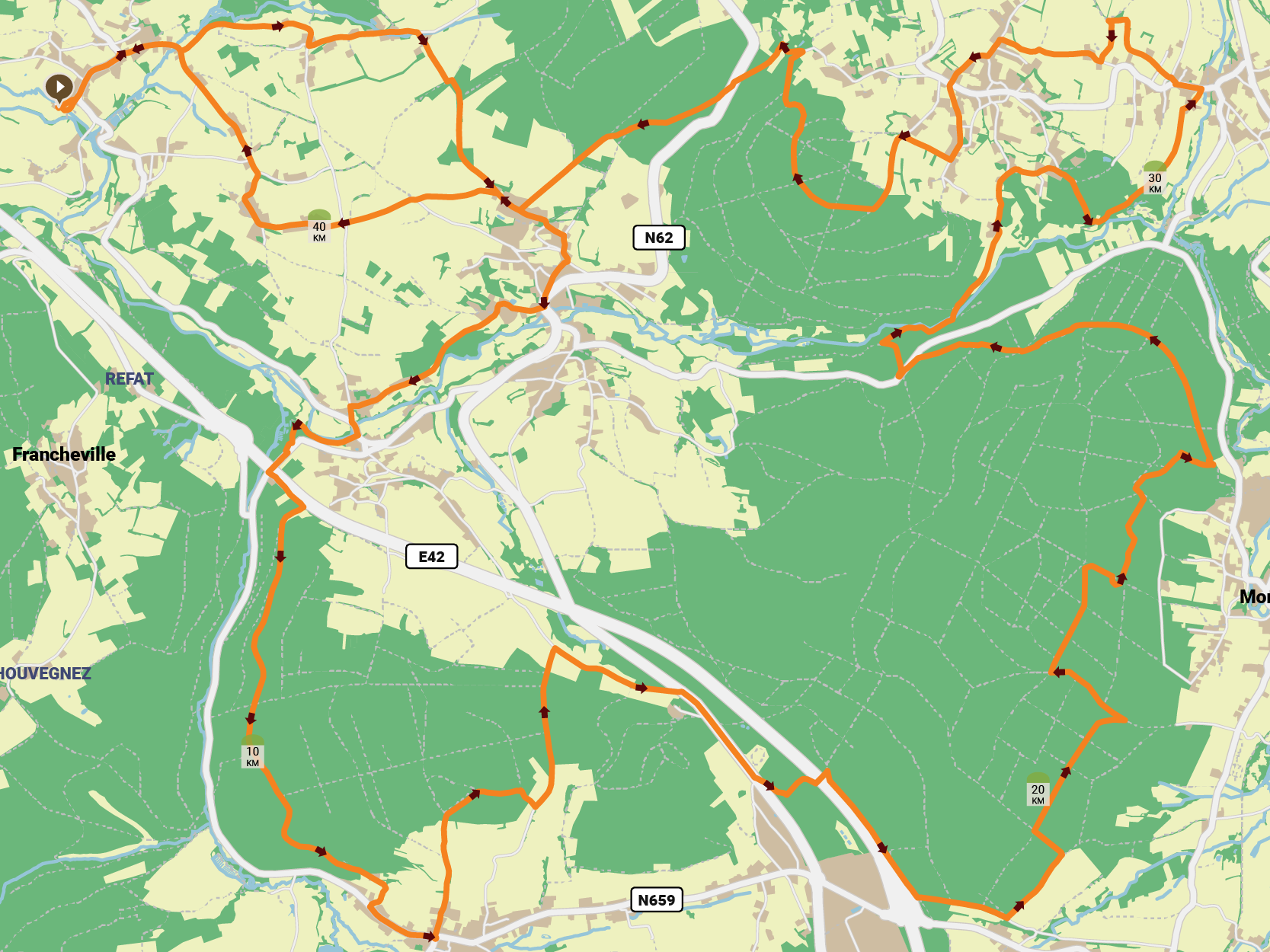
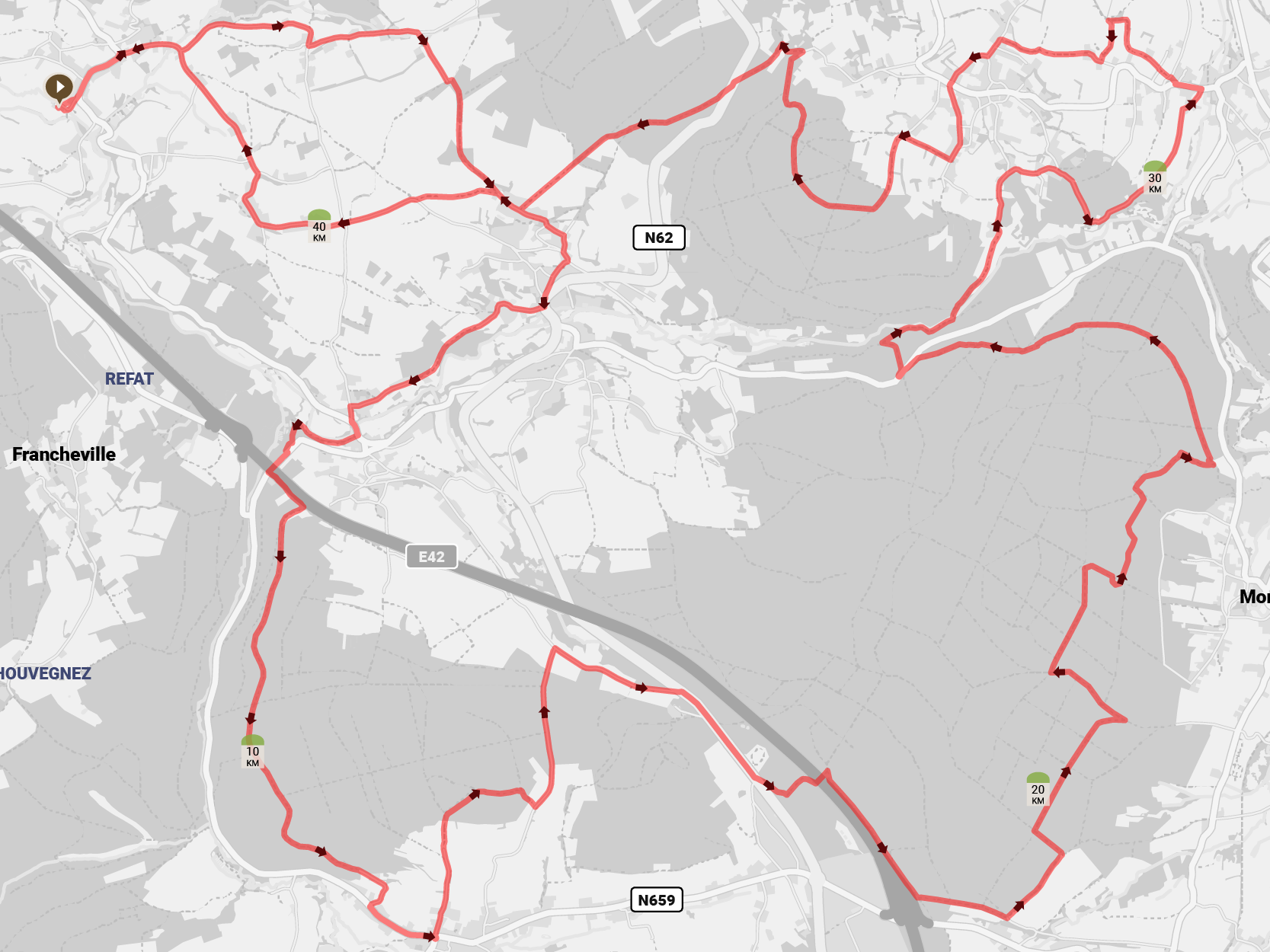
RouteYou has developed several styles to allow you to print your map with a different color palette when you choose 'OpenStreetMap' as the background.
Don’t have a Premium or higher account? You can also purchase a map style individually.
- The standard style stands out by using different road colors. This allows you to quickly identify the road category. It distinguishes between highways (green), major roads (yellowish), and local roads (white).
>> click for an example of the standard style.
- The contrast style uses the same background colors but omits the distinctive road classification colors. This makes your route stand out more.
>> click for an example of the contrast style.
- The accent style and vivid style follow the same logic as the contrast style but use a different color palette.
>> click for an example of the accent style.
>> click for an example of the vivid style.
- The gray style turns the background map into grayscale.
>> click for an example of the gray style.
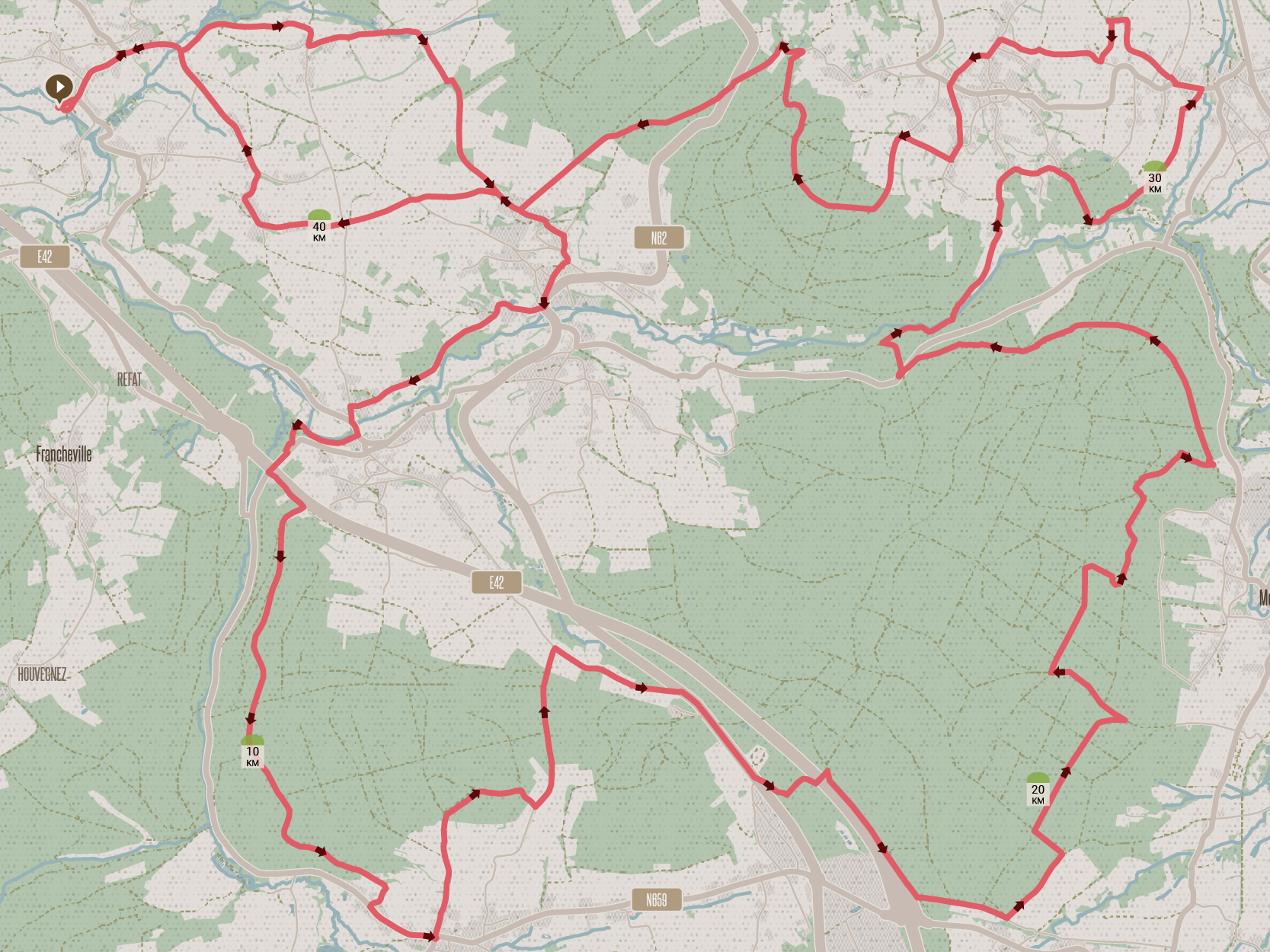
- The retro style has a more stylized look with accents that give it a retro feel.
>> click for an example of the retro style.

You can choose not to display the locations of the points of interest on the overview map and the detailed maps in the roadbook.
The options below are available with a RouteYou Premium. If you don’t have a Premium account or higher, you can also purchase a custom print individually.
You can choose to omit certain elements from the printout:
- title
- profile
- kilometer markers
- street names
- junctions
This option allows you to adjust the size of the labels on the map.
Available with a RouteYou Premium. If you don’t have a Premium account or higher, you can also purchase a custom print individually.
If you choose the topographic map as a background, you may only print the map for personal use.
If you choose OpenStreetMap as the background map, there are two options:
- Personal: print for personal use or in a small group (as a rule of thumb – max. 10 copies)
-
Royalty-Free: large-scale printing such as maps, brochures, prints in magazines, books, etc. (> 10 copies)
- You may distribute this product both for free and for a fee.
This option is available for unlimited and free use with a RouteYou Pro
- This option can also be purchased per map.
- This option is only available for routes of which you are the author.